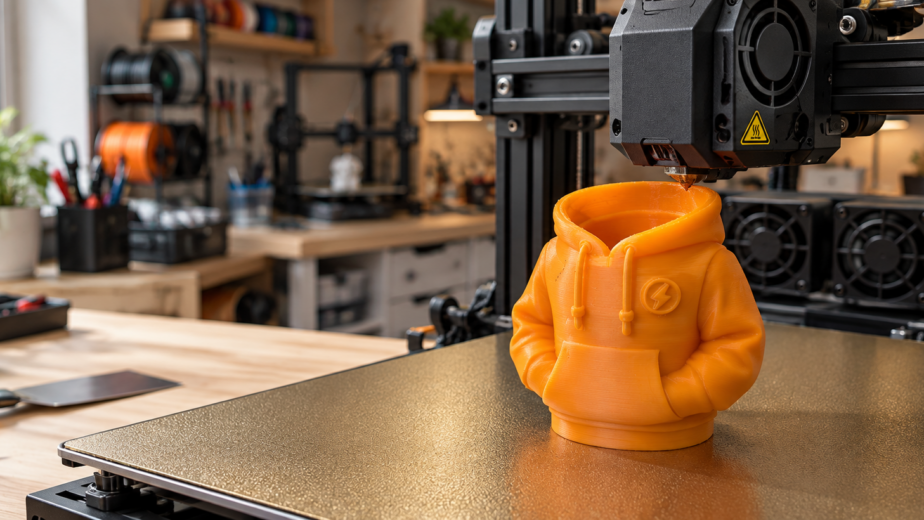
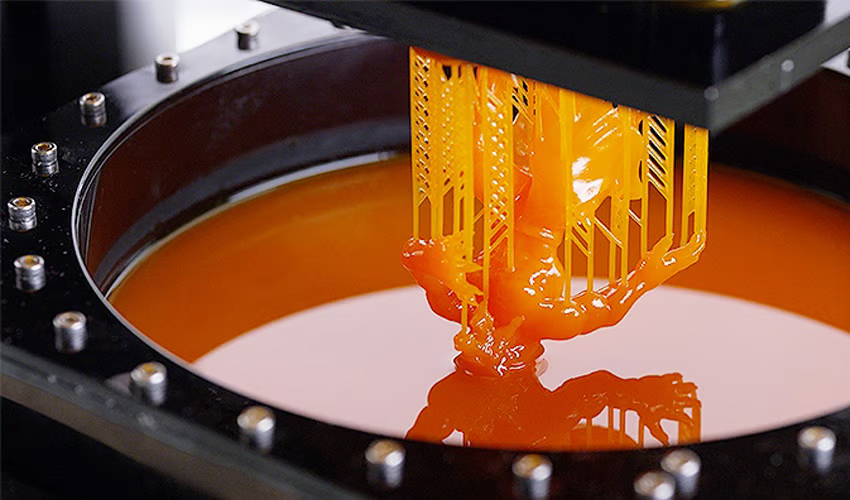
AI-generated 3D models are becoming a popular starting point for product ideas, prototypes and custom parts. Tools like Tripo3D make it incredibly easy to turn a reference image into a 3D model in minutes, and the result often looks surprisingly close to the original object. But there is an important difference between a model that looks correct on screen and one that is actually ready for 3D Printing
We recently worked with several AI-generated 3D models created by a client using Tripo3D. The overall shapes were good, but the files had a few issues that had to be fixed before printing. This article explains what went wrong, how we fixed it, and how you can avoid the same problems.
Quick summary: what to check before printing AI-generated 3D models
| Check | Why it matters |
|---|---|
| Scale | AI models often come out at the wrong size |
| Key dimensions | Holes, tabs and slots can be off even after scaling |
| Flat surfaces | Mesh noise shows up as waves and bumps once printed |
| Wall thickness | Thin walls can break or fail to print |
| Mesh errors | Gaps and bad geometry can stop a file from slicing |
| Watertight geometry | The printer needs a fully closed solid |
Problem 1: the scale was completely wrong
The most obvious issue was the overall size. The models were generated at roughly 1 mm in height, which was nowhere near the required physical dimensions.
This is normal with image-to-3D software. An image gives the AI information about shape and appearance, but it does not tell it how large the real object is.
The solution is to scale each model based on the required final dimensions. A simple way to calculate this is:
Scale factor = required size ÷ current model size
For example, a model that is 1 mm tall but needs to be 80 mm tall needs a scale factor of 80.
After scaling, check more than just the overall height. Width, length, and the position of features such as holes and tabs should also be verified. A model can look correct after scaling and still contain dimensional errors.
Problem 2: uneven surfaces on AI-generated meshes
The more interesting problem appeared after printing. Some surfaces that were supposed to be completely flat actually had small waves, bumps and irregularities.
On the computer screen, these surfaces looked almost flat. Once the model was physically printed, the imperfections became much more obvious.
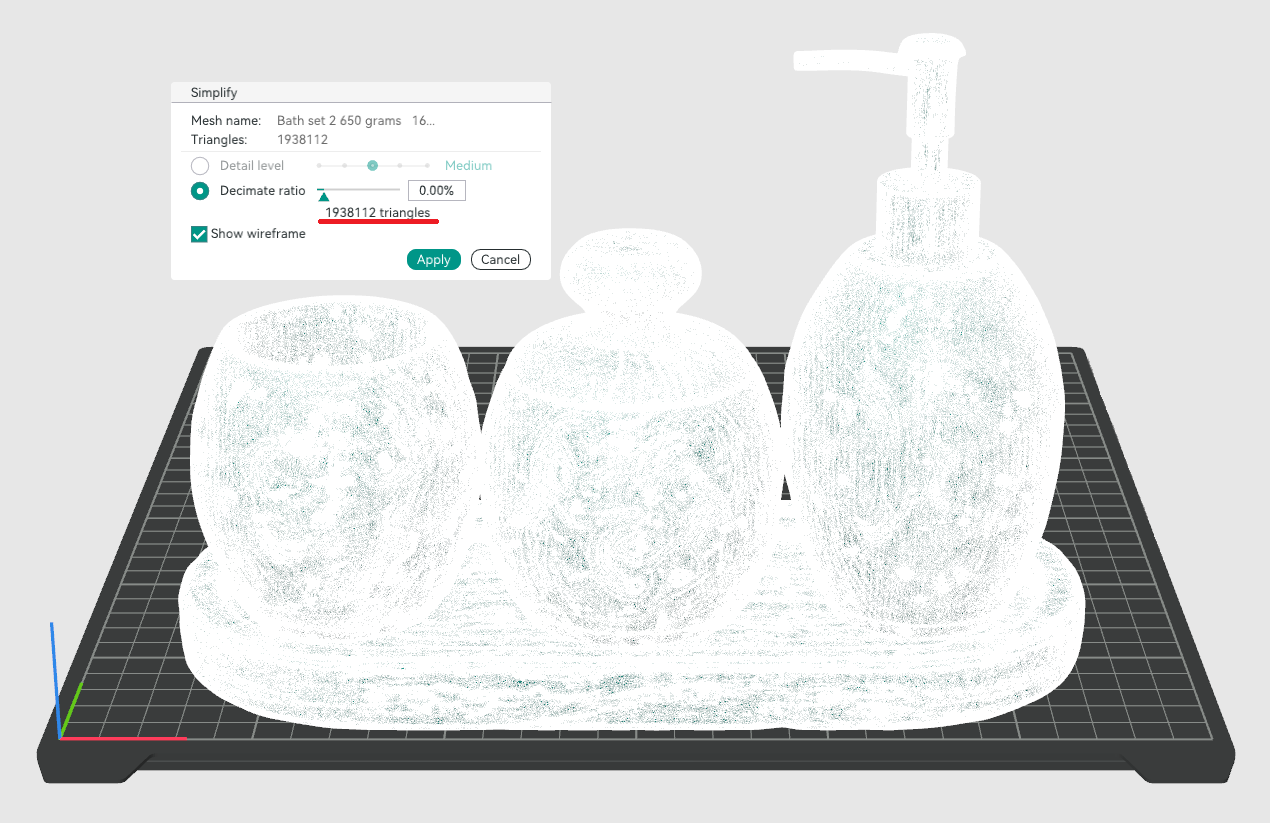
The reason is simple. AI-generated models are normally created as polygon meshes, made from thousands of small triangles. The software is estimating the shape from an image rather than building it with precise engineering geometry. So even if a surface looks flat, the mesh may contain hundreds of slightly uneven triangles.
A 3D printer does not know what the surface is supposed to look like. It simply follows the geometry in the file.
[Image: uneven-surface-ai-generated-mesh.webp | Alt: Close-up of a wavy, uneven surface on a 3D print made from an AI-generated mesh]
Why CAD geometry is different
This is where traditional CAD software has an advantage. In CAD, a flat surface is mathematically flat. A hole can be exactly 10 mm, and a cylinder can have an exact diameter. Features can be constrained and dimensioned precisely.
In an AI-generated mesh, those same features are approximations.
That does not make AI models bad. It simply means they often need some engineering cleanup before they are used for functional parts.
How we perform Mesh Repair on AI-generated 3D models
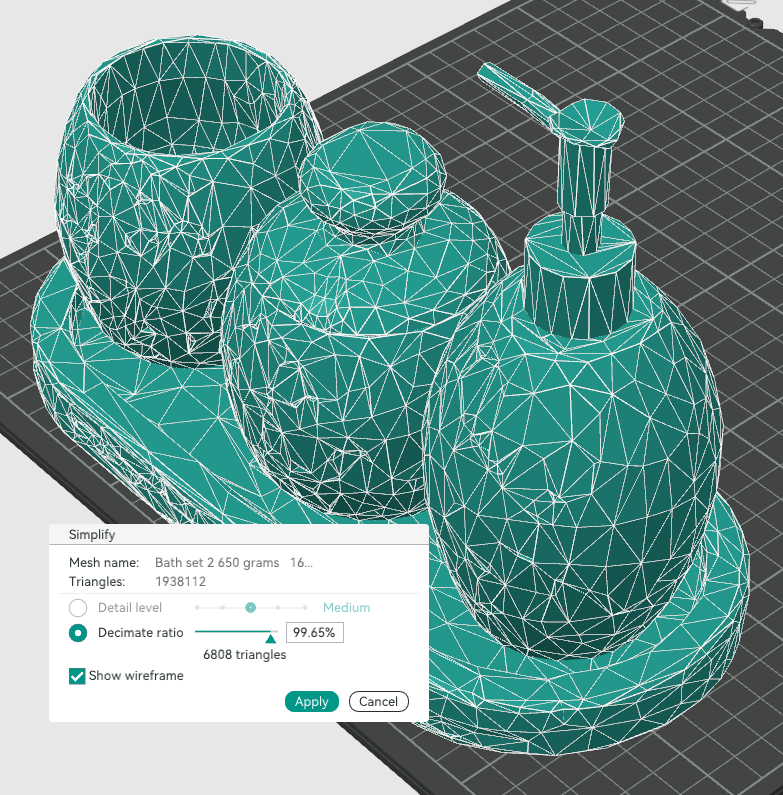
The best solution was not to rebuild everything from scratch. Instead, we used the AI-generated models as the starting point and corrected the areas that actually mattered.
The process involved:
- Scaling the model to the correct size
- Checking the important dimensions
- Smoothing noisy mesh areas
- Correcting flat surfaces
- Rebuilding critical features in CAD
- Checking wall thickness
- Repairing mesh errors
- Verifying that the model was watertight and printable
For example, if a surface is supposed to sit flat on a table or against another component, simply smoothing it may not be enough. That surface is better replaced with a proper CAD plane. The same applies to holes, slots, mounting features and other areas where dimensions matter.
Not every surface needs to be rebuilt
This can save a lot of time. Decorative or organic surfaces can usually stay as mesh geometry, as long as they look good and print properly.
The areas that really need CAD reconstruction are the functional ones:
- Mounting faces
- Screw holes
- Mating surfaces
- Slots
- Cylindrical features
- Alignment features
This hybrid approach gives you the speed of AI-generated modeling while keeping the accuracy of CAD where it matters.
Always do a test print
Even after the model has been cleaned up, a test print is extremely useful. A physical print can reveal problems that are easy to miss on screen, including poor clearances, uneven surfaces, weak walls, bad bed contact and unexpected dimensional errors.
A good workflow is:
AI model → scale correction → mesh cleanup → CAD correction → test print → final model
For quick functional test prints, FDM 3D printing is usually the most cost-effective option. If you need fine detail and a smooth surface finish, SLA 3D printing is a better fit.
Frequently asked questions
Can AI-generated 3D models be 3D printed directly?
Sometimes, but it is risky. AI-generated models often have the wrong scale, uneven surfaces, thin walls or mesh errors. Decorative pieces may print with minimal fixes, but functional parts almost always need cleanup first.
Why is my AI-generated 3D model the wrong size?
Image-to-3D tools estimate shape from a picture and have no real-world size reference. The model is created at an arbitrary scale and must be resized to your required dimensions.
What does “watertight” mean for a 3D model?
A watertight model is a fully closed solid with no holes or gaps in the mesh. Slicing software needs this to tell the inside of the part from the outside. Non-watertight meshes can slice incorrectly or fail to print.
- Do I need to rebuild the whole model in CAD?No. Only the functional areas, such as mounting faces, holes, slots and mating surfaces, usually need to be rebuilt. Organic and decorative surfaces can often stay as mesh.
Final thoughts
AI-generated 3D models are a great starting point, especially when creating geometry from photographs or reference images. But they should not automatically be treated as production-ready or print-ready files.
A model may look perfect visually while still containing incorrect dimensions, uneven surfaces, distorted holes or other geometry problems. The best results come from combining the speed of AI tools like Tripo3D with proper CAD cleanup, mesh repair and dimensional verification. That way, the model is not only visually accurate but also much more reliable when turned into a real physical part.
Need help with your AI-generated 3D models?
At Brick3DP, we help customers across Pakistan turn AI-generated 3d models into print-ready parts. Our 3D model review includes an Engineering Review and Model Revision and Editing services covering scaling, mesh repair, CAD correction and test printing, so your prints come out right the first time.
Upload your model for a quote, or contact us to discuss your project.